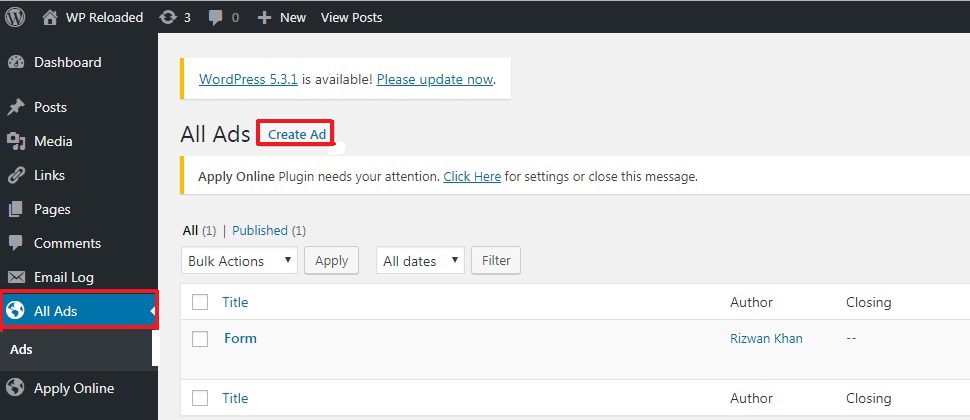
Click on ‘All Ads’ in dashboard and then click on ‘Create Ad’ button to create a new ad.
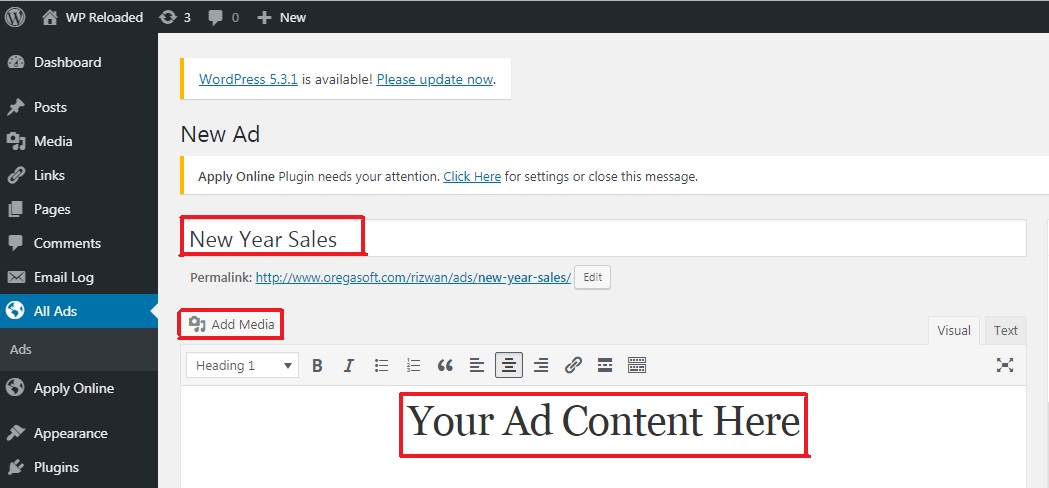
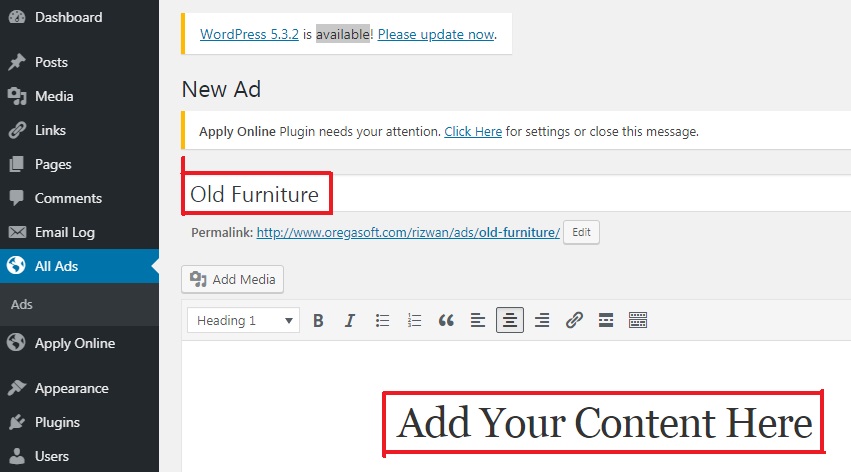
Then type in your ad title in title bar and write your content in the area highlighted in red ‘Add Your Content Here’. You can also add pictures and videos related to your ad by clicking the button ‘Add Media’. We have created two ads named ‘New Year Sales’ and ‘Old Furniture’.
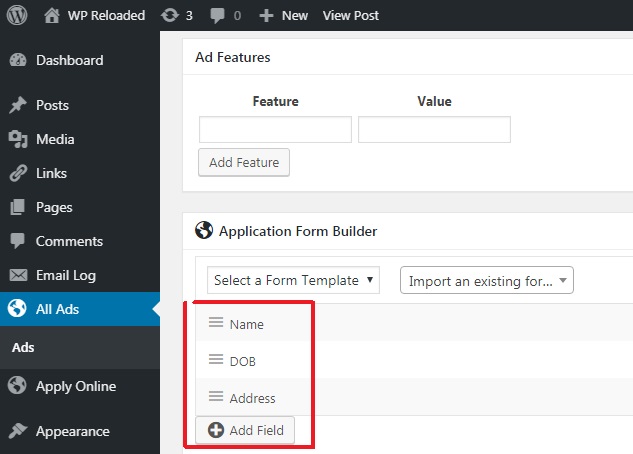
You will see ‘Application Form Builder’ section at the end

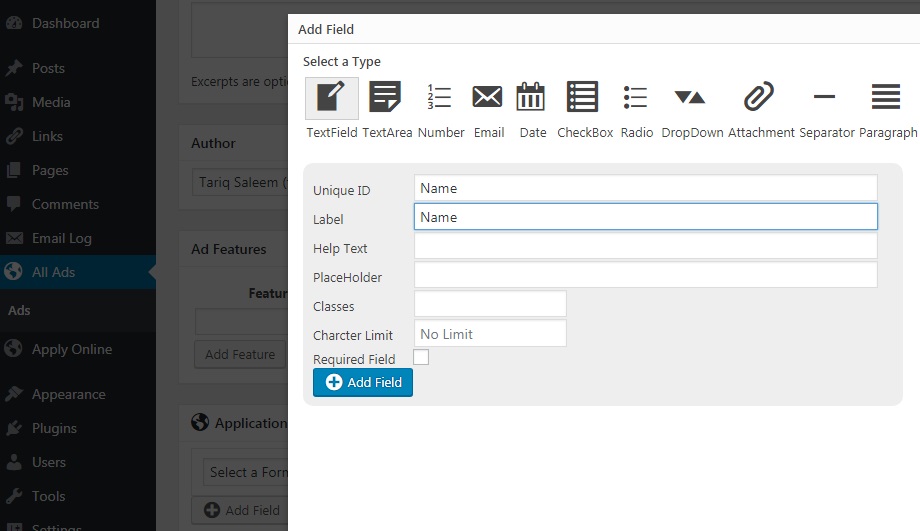
Click ‘Add Field’ button to add different fields to your application form like Name, DOB, Address
After clicking ‘Add Field’ button, you can choose different types of fields for your application form.
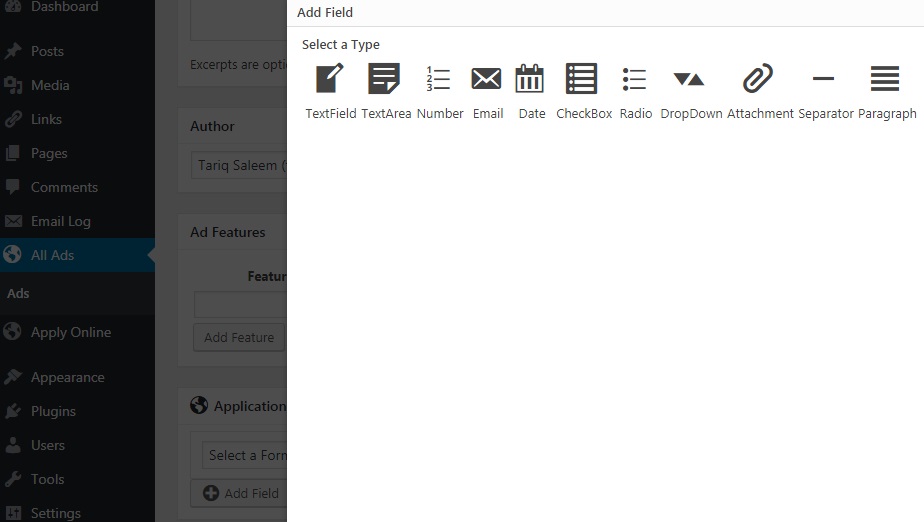
Go to your ad, for example ‘Old Furniture’, and add fields like Name, Age, DOB, etc to your ad. This will enable your reader to fill an application to your specific ad.
After adding all the fields to your form, you can see the fields as a list. Your user will fill all these fields for that particular ad.